Guide
Signed Packages
A signed package (.nshpkg) is how a host app runs nsh code it did not ship with: an update to its own nsh screens,
or a third-party mini app. nsh publish builds the app and signs it; the host app verifies the signature, the
certificate chain, revocations and the build number before anything runs.
#Why packages are signed
The JS a host app runs can reach everything the app grants, so it must come from someone the app trusts. There is a second reason: nsh ships apps as QuickJS bytecode, which loads faster than source, but QuickJS does not validate bytecode, and crafted bytecode can corrupt memory. So nsh loads bytecode only from the app’s own (system-signed) resources, from the dev server the developer connected to, and from verified packages. Anything else must be JS source.
#Keys: two levels
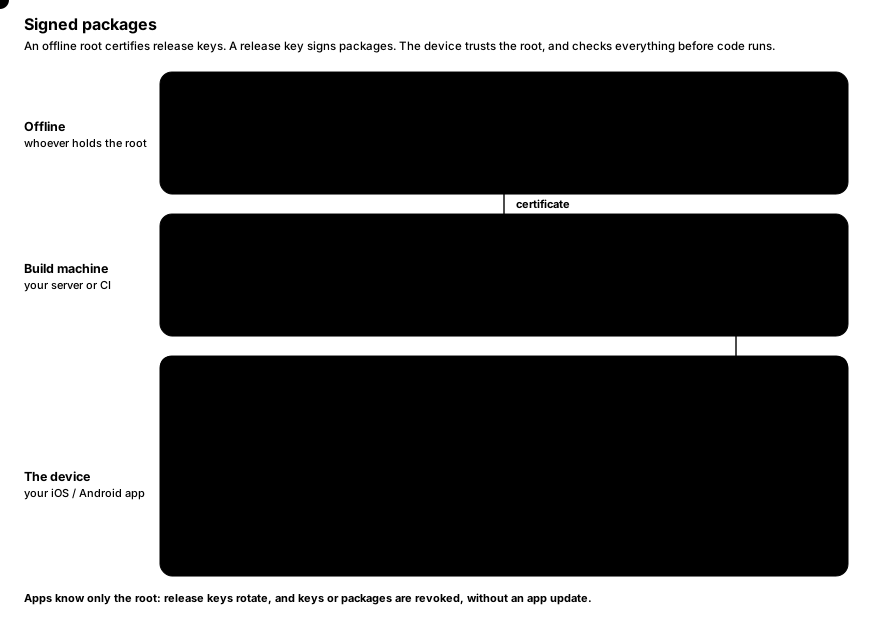
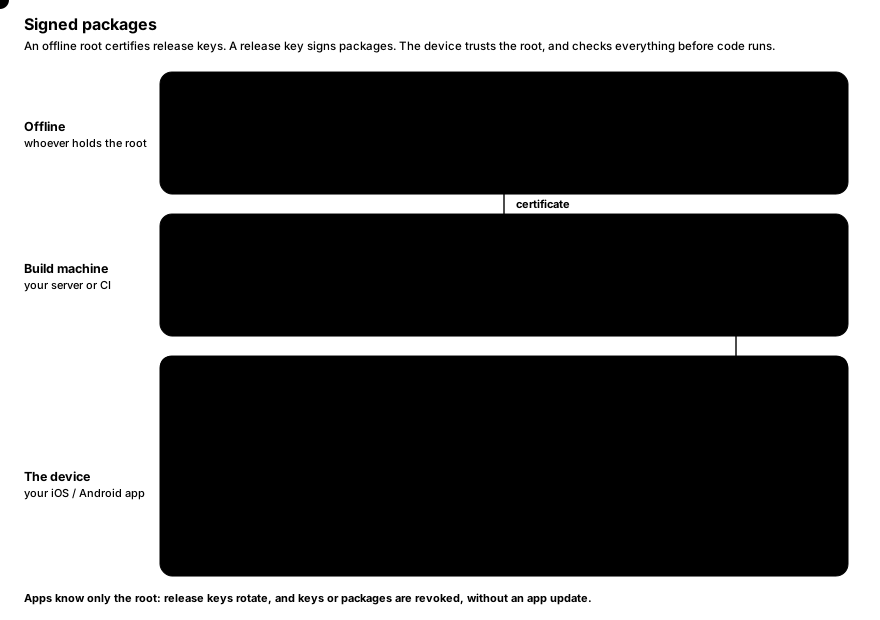
- A root key stays offline. Host apps trust its public key; they can trust several roots, which is how a root is rotated.
- A root certifies release keys: a certificate names the release key, the app ids it may sign for and a time window.
- Packages are signed by a release key and carry its certificate. Release keys can therefore be rotated (or revoked) without updating the host apps, which only know the root.
Every key has an id derived from its public key (the first 8 bytes of its SHA-256, in hex), printed by every command.
#Create the keys
nsh keygen keys/root
nsh keygen keys/release
key 4e0b637f5e10f6a6: keys/root.secret (keep it secret), keys/root.pub
key 3428d7136788c9ee: keys/release.secret (keep it secret), keys/release.pubEach key is two files: <name>.secret (readable by its owner only) and <name>.pub, both one line of base64. nsh keygen never overwrites an existing key.
#Certify a release key
nsh certify --root keys/root.secret --key keys/release.pub --apps 'com.example.*' -o keys/release.certkeys/release.cert: key 3428d7136788c9ee certified by root 4e0b637f5e10f6a6 for com.example.* until 365 days from now| Flag | Description |
|---|---|
--root <file> | The root’s secret key. |
--key <file> | The release key’s public key. |
--apps <pattern> | App ids it may sign for: * (any), com.example.* (ids under com.example.) or an exact id. Repeatable. |
--days <n> | How long it may sign, from now. Default 365. |
-o, --out <file> | The certificate to write. |
The certificate is a small JSON file; it is not secret.
#Publish a package
nsh publish App.tsx --key keys/release.secret --cert keys/release.certout/com.example.counter-2.nshpkg: com.example.counter 1.0.0 (build 2), 0 assets, 12 KB, signed by 3428d7136788c9eensh publish builds the app in release mode and signs it. The app id, name, version and build come from nsh.json
next to the entry, overridden by the flags:
| Flag | Description |
|---|---|
--key <file> | The release key’s secret key. |
--cert <file> | Its certificate. |
-o, --out <file> | The package to write. Default out/<id>-<build>.nshpkg. |
--id <id> | App id, such as com.example.app. |
--app-version <version> | Version, such as 1.2.0. |
--build <n> | Build number. Required (here or in nsh.json); it must grow with every release. |
nsh publish refuses to sign what a device would refuse: the certificate must cover the app id and the current time.
Error: the release key's certificate does not cover this package: it does not cover app `com.example.counter` (only com.other.app)#What a package holds
A package is one file: a JSON header (app id, name, version, build, the declared capabilities, the bytecode version, the signing time, the release key’s certificate and a table of files with their SHA-256), then the files, then the release key’s Ed25519 signature over everything before it. The files are:
- the app’s JS source (always),
- its bytecode, used only when the device’s runtime has the same bytecode version (otherwise the source runs, so a package keeps working on newer runtimes),
- its source map,
- the assets it imports (images, fonts).
The package’s identity, used for revocation, is the SHA-256 of the whole file.
#Verify a package
nsh verify checks a package exactly as a host app trusting the given roots would:
nsh verify out/com.example.counter-2.nshpkg --root keys/root.pubvalid: com.example.counter 1.0.0 (build 2), release key 3428d7136788c9ee, sha256 f40565358c13fafce369792e41125fea7f93fe87dd1bc24fd575dabc09b34fd4, 0 assets, bytecode for this runtime| Flag | Description |
|---|---|
--root <file> | A trusted root’s public key. Repeatable. Without any, only the package’s own signature is checked. |
--revocations <file> | A revocation list to apply first. |
A device checks, in order:
- the certificate’s signature by a trusted root;
- that the release key is not revoked;
- the package’s signature by the release key;
- that the certificate covers the app id and the signing time;
- the minimum runtime the package needs;
- that the file table covers the data exactly and each file matches its hash;
- that the package itself is not revoked;
- that its build is not older than the highest build of that app accepted before (rollback protection).
A refused package raises an error that says which check failed; the app that was running keeps running.
#Revoke keys and packages
A root signs revocation lists: release keys and packages that must not load any more.
# The first list.
nsh revoke --root keys/root.secret --sequence 1 \
  --package f40565358c13fafce369792e41125fea7f93fe87dd1bc24fd575dabc09b34fd4 -o revocations.json

# Later: keep everything in the last list and add a release key (sequence becomes 2).
nsh revoke --root keys/root.secret --extend revocations.json --key 3428d7136788c9ee -o revocations-2.json| Flag | Description |
|---|---|
--root <file> | The root’s secret key. |
--extend <file> | Keep the entries of this list (the last one published). |
--sequence <n> | The list’s number, higher than any published before. With --extend, defaults to that list’s plus one. |
--key <id> | A release key id to revoke. Repeatable. |
--package <sha256> | A package’s SHA-256 (as nsh verify prints it) to revoke. Repeatable. |
-o, --out <file> | The list to write. |
A trust store only accepts a list with a higher sequence number than the one it has, so an old list cannot be
replayed to un-revoke something. Publish the newest list where your apps fetch it, and apply it with
updateRevocations before opening packages.
#Rollback protection
When a host app accepts a package, its trust store records the build number for that app id and from then on refuses
older builds. An attacker who obtained an older, signed package with a known vulnerability cannot make the app run it.
The record persists in the store’s state directory (nsh-trust.json), so it survives restarts.
#Loading packages in a host app
Verification hashes the whole package and extracts its assets (once per package, under the trust store’s directory), so it runs off the UI thread; running the result happens on it.
iOS (Swift):
let trust = try NshTrust(stateDirectory: applicationSupport.appendingPathComponent("nsh"))
try trust.addRoot(rootPublicKey)                // the contents of root.pub
try trust.updateRevocations(latestListJSON)     // when you have one

let info = try await app.loadPackage(at: downloaded, trust: trust)   // verify off the main thread, then run
Android (Java):
NshTrust trust = new NshTrust(new File(getFilesDir(), "nsh"));
trust.addRoot(rootPublicKey);
trust.updateRevocations(latestListJson);

NshPackage pkg = trust.openPackage(downloaded);   // off the UI thread; throws NshPackage.RefusedException
runOnUiThread(() -> nsh.runPackage(pkg));
The package’s declared capabilities travel with it: a package can do only what it declares, and only what the host app grants on top.
Full API: Embedding in iOS apps, Embedding in Android apps.
#Trying a package in development
The development hosts that nsh run installs can run a package the way an embedding app would.
On iOS, the host executable takes --package <file> and one or more --root <root.pub>. After nsh run has
installed the host in the simulator (--target ios):
xcrun simctl launch booted com.longbridge.nsh.host \
  --package "$PWD/out/com.example.counter-2.nshpkg" --root "$PWD/keys/root.pub"
On Android, the development host (DevActivity, installed by nsh run --target android) takes the extras package
(a path on the device) and root (base64 public keys, comma-separated):
adb push out/com.example.counter-2.nshpkg /sdcard/Android/data/com.longbridge.nsh.host/files/app.nshpkg
adb shell am start -S -n com.longbridge.nsh.host/com.longbridge.nsh.DevActivity \
  --es package /sdcard/Android/data/com.longbridge.nsh.host/files/app.nshpkg \
  --es root "$(cat keys/root.pub)"
Their trust state lives in the temporary (iOS) or cache (Android) directory, so builds older than one they accepted are refused there too.
#A release checklist
- Keep the root key offline; certify a release key per team or per app family, for a year or less.
- Raise
buildinnsh.jsonfor every release;nsh publishrefuses a package without one. - Run
nsh verify --root root.pubon the package before uploading it. - Ship
root.pubinside the host app; ship revocation lists separately, so you can revoke without an app update. - If a release key leaks, revoke it (
nsh revoke --extend … --key <id>), certify a new one and publish again.